How do I find my potentially dangerous anchor texts?
Your "potentially toxic anchor texts" can be found by opening your Backlink Audit campaign and going to the Audit tab. Then, use the anchors drop down filter and select "money" and "compound."
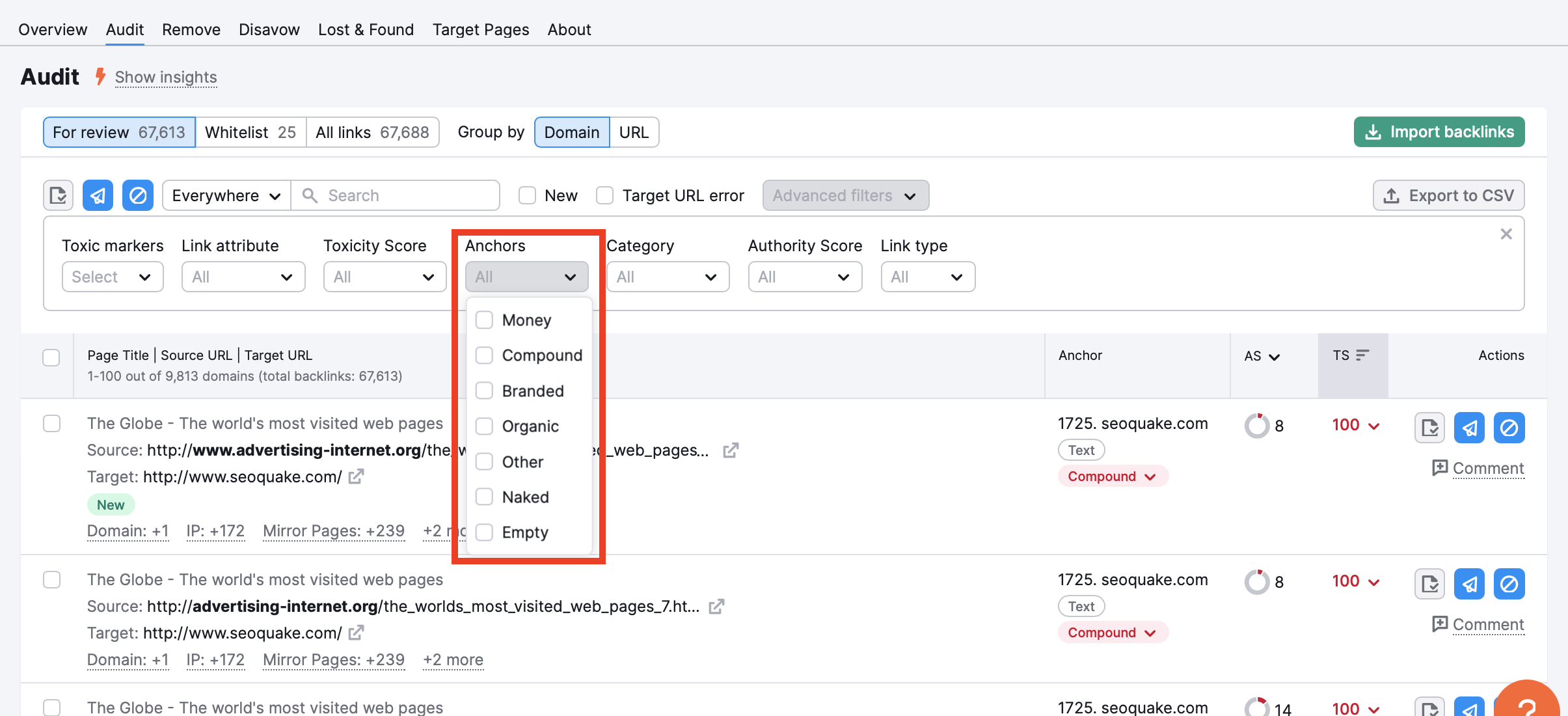
These two types of anchor texts are considered potentially toxic because a high number of backlinks containing website's target keyword (money) or brand name and another target keyword (compound) as the anchor text can be seen as suspicious to Google.
The other types of anchor texts (branded, organic, other, naked, and empty) are considered less potentially toxic.
 Back to Semrush Toolkits category